
One way of starting out with a routine, is first that concept, and making it important. Secondly, and just as difficult to adapt, is to make it something you do in between your daily routine. Since yesterday, I was able to organize my bills, scan what I needed to approach and react to, and get sleep. This morning, I awoke, got dressed, and collected my gear for another 28 day over the road profession. I called the taxi, and arrived at the truck terminal, where the first thing was laundry from the weekend (my weekend is four days off).
With the laundry in the washer, and knowing it would take a little less than a half hour, I opened the computer, and started this Blog. The first thing was to open my Microsoft 8.1 Calendar, and add in the first thing I really did…Called the taxi.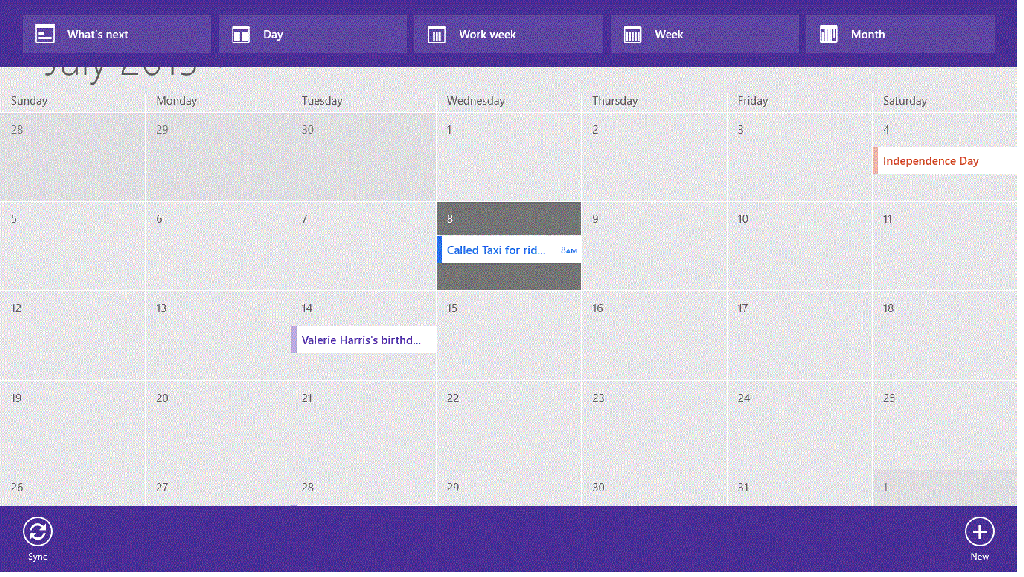
By now I had started this Blog, and desired to add pictures. To this this, I hold the Ctrl button, and press the prt sc button, then open up the Microsoft Paint program, and paste it, save it with a file name, and with a little playing around with the editing, was able to continue…after I put my laundry from the washer, and into the dryer. No one said the process of Blogging was easy, but with a routine, and practice, it all goes faster.
With the Laundry going, I was able to update my calendar and add in another entry, by clicking on New in the bottom right hand corner of the Calendar. To have it open I right click, which is always how to get a list of available options for the current program or window I am working on.

With each step, I am able to change the time , and in the top give the activity a name, and just below it, include the ongoing activities as they change. Then I save it.
Starting a New Entry
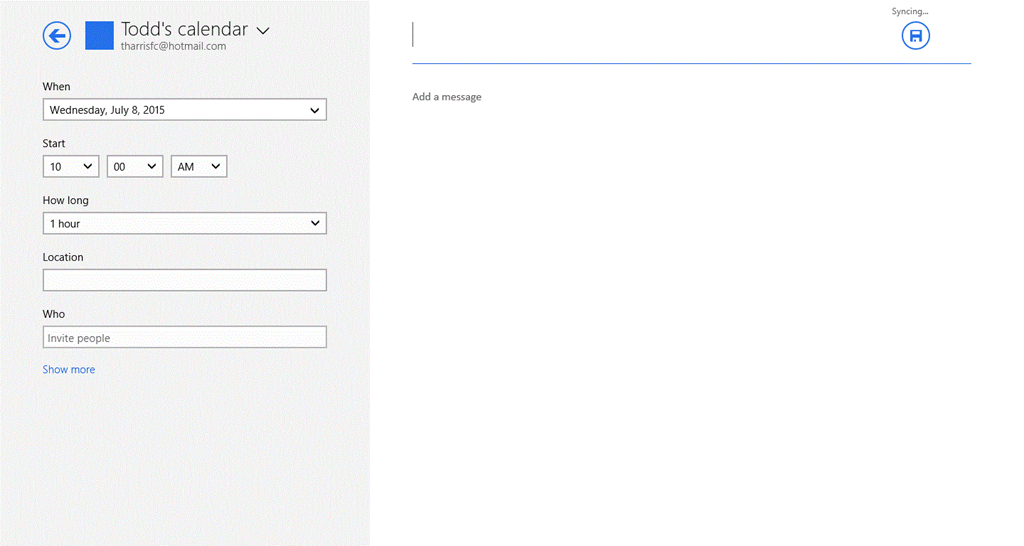
In the lest column, I am able the time the activity started, and the How Long is a drop down list, where I can click Custom, and the left column now gives me a start and end frame for the activity. In the right column, I added the title, and then under the title started to list all the steps of the activities.
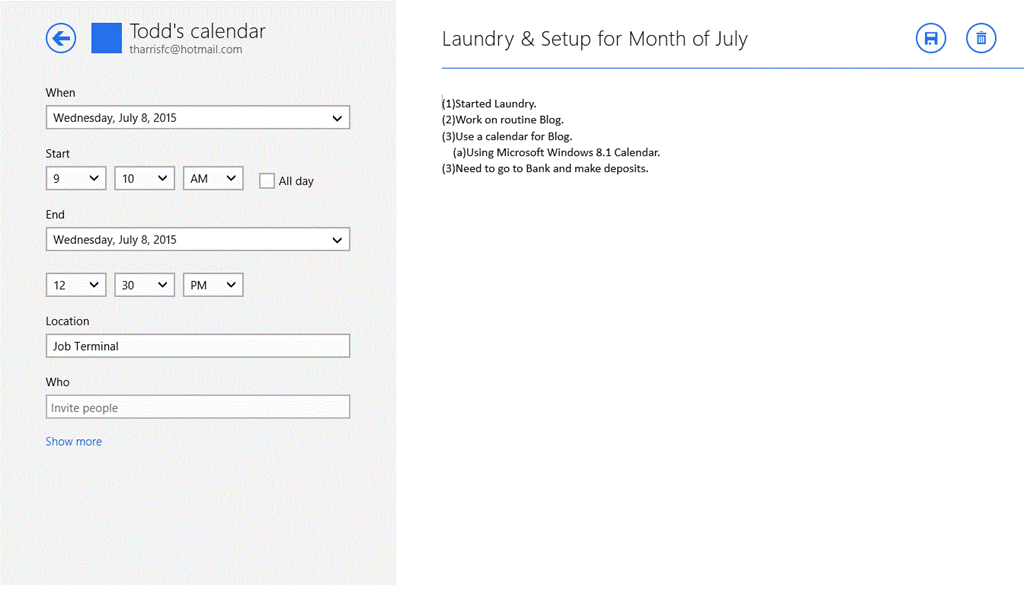
By now, the laundry is drying, I have gotten a routine with the inserting of the pictures, and compared to the first inserted picture in the form of “.gif” format, I favored the “.png” file format instead (this is done in how you save the paint program file). It is now 10:31 A.M., and I’ll take a quick break.
By 11:00, Laundry was completed, and a walk to my bank, and a quick stop at a convenience store. After, I was back in the truck, setting up for another 28 Days. The preplan was accepted before 12:30 PM. It was from Sayreville, N.J., to Fairfield, Ohio. After adding that to my database, I mapped it out on my Microsoft Mapping Program.
Now, it comes to an empty trailer assignment, and I was sent to Cranbury, NJ…the trailer needed minor repairs. The corporate’s Road Service was sending Reliable Truck Service out to do all the repairs. This gave me time to update all my records keeping.
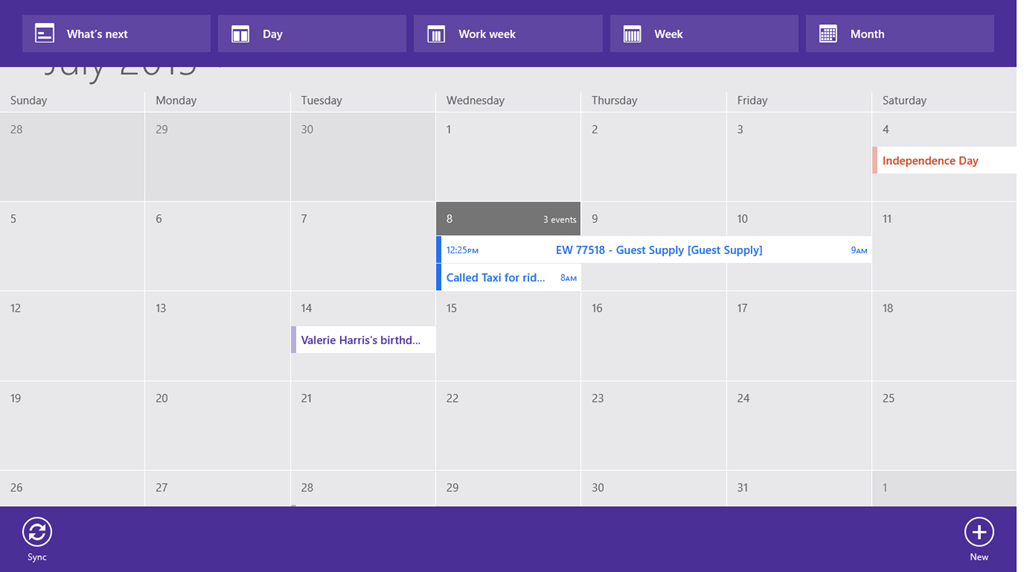
Notice in the Calendar for the month, it lists three events. By right clicking, and then clicking on day, you can see the three events by hours of the day. Whichever way you keep or change it (by Day, week, or month), to see the details of your notes, just click on the one you are interested it.
So, now it is back to waiting for an empty trailer, before picking up the load. Another fun filled day in paradise.

 Driver's Blog