
Every Laptops, notebook, and netbook already has a keyboard and touch pad in place of a mouse, and serves very well on its own, as a  bought and ready to go computer. But when it becomes a machine for work, and is used daily, there comes a time when you wish to consider the amount of constant use of the keyboard and touchpad. Then, there is the factor of the touchpad’s sensitivity on some models. In short, there is a feeling of more control using a mouse. The idea of the externally connecting keyboard also holds a few values, such as the ability to set the computer to a corner, as a safe location, and allow the keyboard and mouse to take on the abuse, neglect, and occasional accident of spillage, especially when you are just relaxing (the time when some clumsy actions become most prevalent).
The other reason is sometimes feeling to close to the computer, especially when the need to utilize the area for other things like organizing papers, and even stretching out. Without the keyboard and mouse connection, you can sometimes feel like you are centered on the computer, and “cramped” around using the space to the right and left of you for the documents. When attaching a wireless combination, the freedom of placing the computer away from the desired work area, allows you to just focus on the work. No need to even worry about damage, after all, if you damage a $40.00 keyboard, you are only needing to save up another $40.00. The cheapest Netbook is still around $300.00, and repairs vary, but will go more than that $40.00 investment to expand to.
Nothing Like “Mouse Control”
It was the greatest invention to add a touchpad into the computer, with the keyboard to boot! But, sometimes the sensitivity of the touchpad, and even some other advanced features, may cause you to focus more on the actions of your fingertips, rather than where you are placing the cursor. It is not really taking away, since undoing an accidental tap, or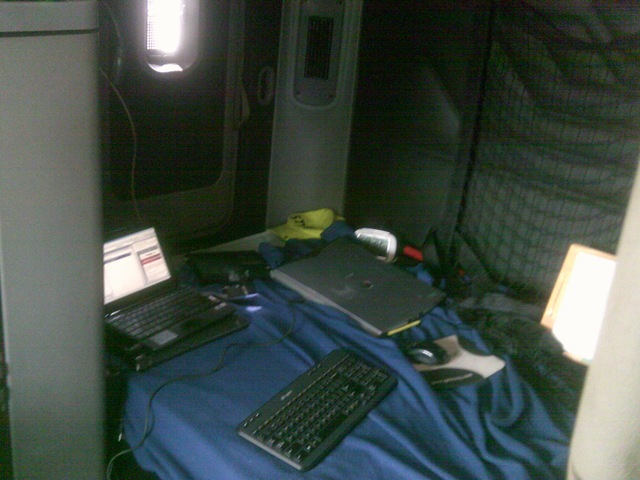 resizing, and even scrolling back, but it takes away the relaxing experience from time to time, and returns to more focus (and like work attitude). When typing, many touchpad controls do allow you to turn it off, because, while typing, a slight touch of that pad may act like an intentional “command”, as if “virtually” spilling coffee ( a theory not a concept). Over time, we have just grew up with the mouse in hand, and the proficiency we obtained pleads to be exercised.
Don’t ever let them take away that touchpad! Having it there when walking around and being portable, means less equipment to carry too. But, when it comes to several hours of stationary work, the external keyboard and mouse brings you closer to a small version of that office desktop. It is a nice change of atmosphere too (then again, it just may be me).

 Driver's Blog